
What features should I look for in call recording software to ensure it meets my business requirements?
Discover key features to consider for business phone recording systems to ensure they meet your specific requirements. Understand compliance aspects and more.
Selecting call recording software for your business is not just a technical decision; it is a matter of compliance, service quality, data security and operational efficiency. At a minimum, you should look for reliable, high‑quality audio recording with flexible options to record all calls, selected calls or calls triggered by specific rules. Strong search and retrieval tools are essential so that recordings can be located quickly by date, time, caller, agent, number dialled or tags. Equally important is secure storage with encryption in transit and at rest, clear retention policies, and robust user access controls to ensure only authorised staff can listen, download or share recordings. For many organisations, especially those handling sensitive or regulated information, the ability to demonstrate compliance with data protection and industry regulations is critical.
Beyond the fundamentals, the right system should integrate smoothly with your existing phone platform, whether that is a traditional PBX, hosted VoIP or a cloud telephony solution. Features such as call tagging, notes, quality monitoring tools and basic analytics help managers review interactions, support staff training and resolve disputes more efficiently. You may also need options for on‑premise, cloud or hybrid storage to align with your IT strategy and resilience requirements. Finally, consider scalability and support: the software should cope with growth in users and call volumes, offer clear licensing, and be backed by responsive technical assistance and ongoing updates. Together, these features ensure the solution meets your current needs while remaining adaptable as your business evolves.
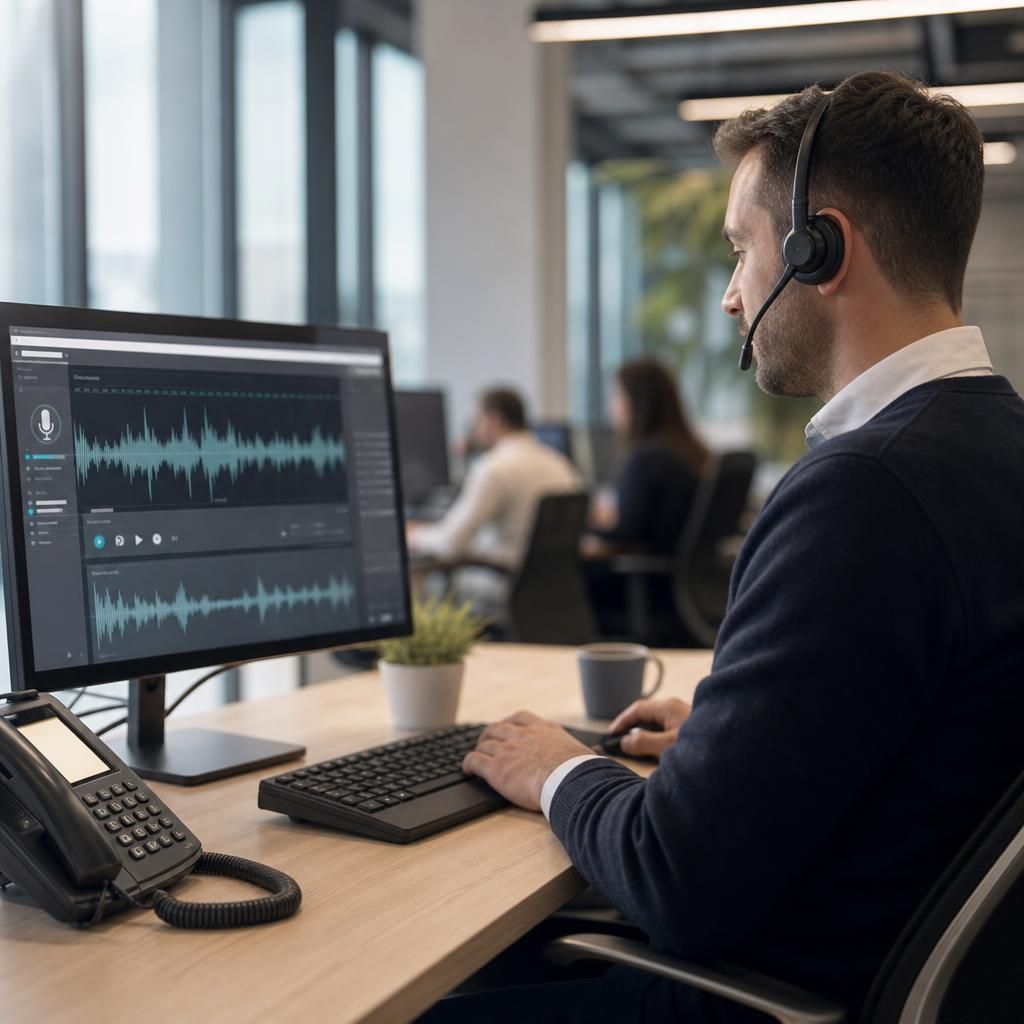
When assessing call recording software, start with compliance and security. Ensure it supports configurable announcements where required, consent management, role‑based access, detailed audit trails and encryption. Check that retention settings can be tailored to your policies, with the ability to automatically delete recordings after defined periods to support data protection obligations.
Next, review usability and management features. A browser‑based interface, powerful search filters, call tagging, bookmarking and the option to add notes to recordings will save time for supervisors and administrators. Quality monitoring tools such as scorecards, playback controls, and the ability to share recordings securely for coaching purposes can significantly improve customer service and staff development.
Finally, consider integration, scalability and resilience. The platform should integrate cleanly with your telephony system and, where relevant, your CRM or helpdesk tools. Look for clear capacity limits, straightforward licence expansion, high availability options, and dependable local support to minimise disruption if issues arise.
Find the Perfect Call Recording Solution for Your Business
Explore our comprehensive guide to call recording software, designed to help you identify essential features and ensure compliance. Let us assist you in selecting the ideal system today.
Contact Us