
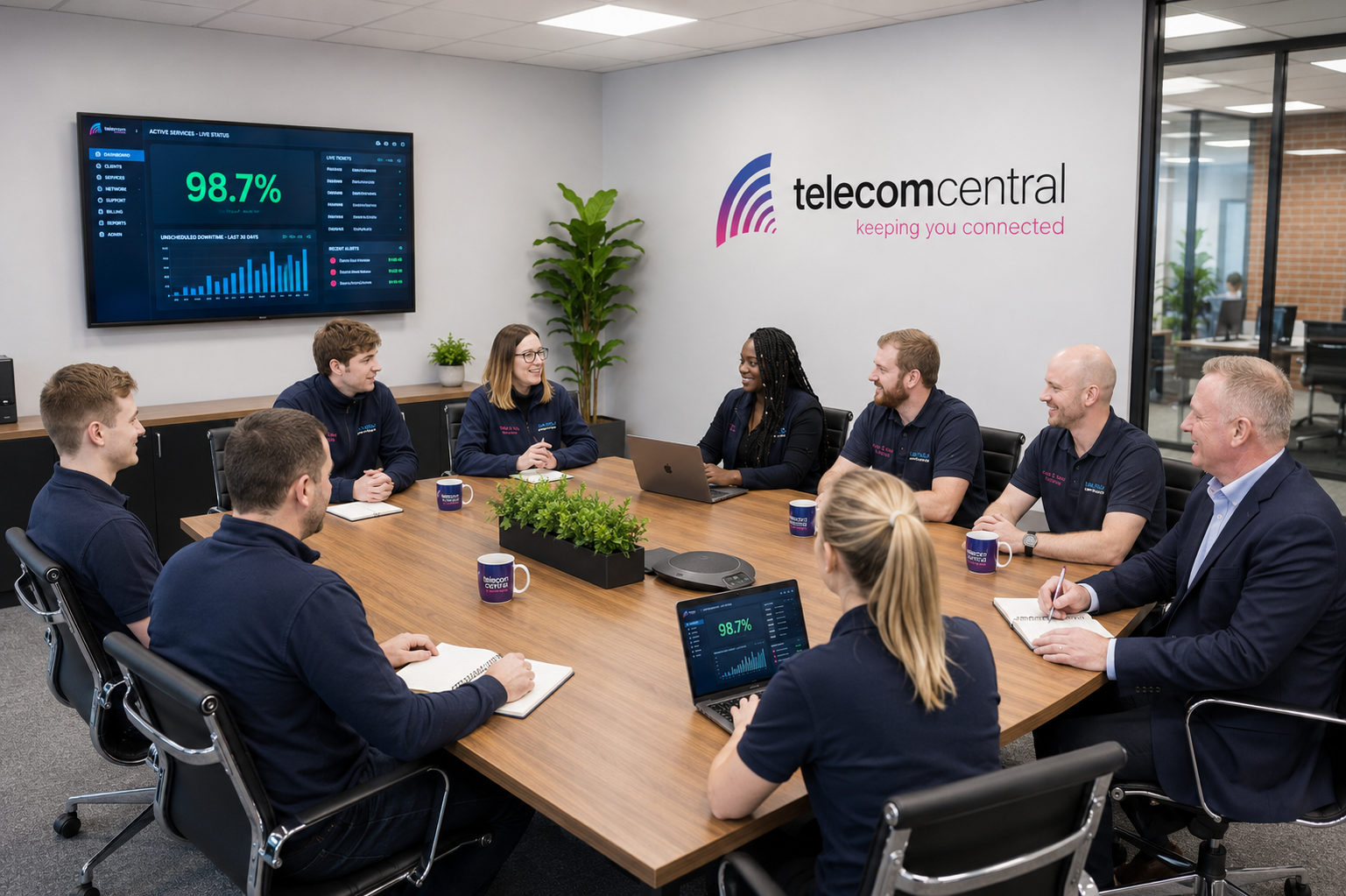
How does the installation process for Yealink VoIP office phones work with Telecom Central?
Discover our easy installation process for Yealink VoIP phones for business. Step by step guide to get your office connected in no time.
The installation process for Yealink VoIP office phones is designed to be straightforward, minimally disruptive, and tailored to the specific layout and needs of your organisation. It begins with a consultation to understand how many users you have, how your teams work, and what features are required, such as hunt groups, call recording, or remote extensions. From there, a detailed plan is prepared covering network readiness, handset locations, number porting, and any required cabling or WiFi improvements. This ensures that, on the installation day, the phones can be deployed efficiently with minimal impact on your day-to-day operations.
On-site installation typically involves preparing your data network, connecting and configuring the Yealink handsets, and testing call quality and features. Engineers will register each phone to the VoIP platform, apply the agreed user profiles, and confirm that essentials such as voicemail, direct dial numbers, and ring groups are working correctly. Existing numbers can usually be ported across with a carefully managed changeover to avoid missed calls. Once the system is live, staff receive basic training on using the Yealink phones and key features, and you are provided with ongoing support for any adjustments, additional handsets, or future upgrades. The overall process is structured, transparent, and focused on keeping your business connected at every stage.
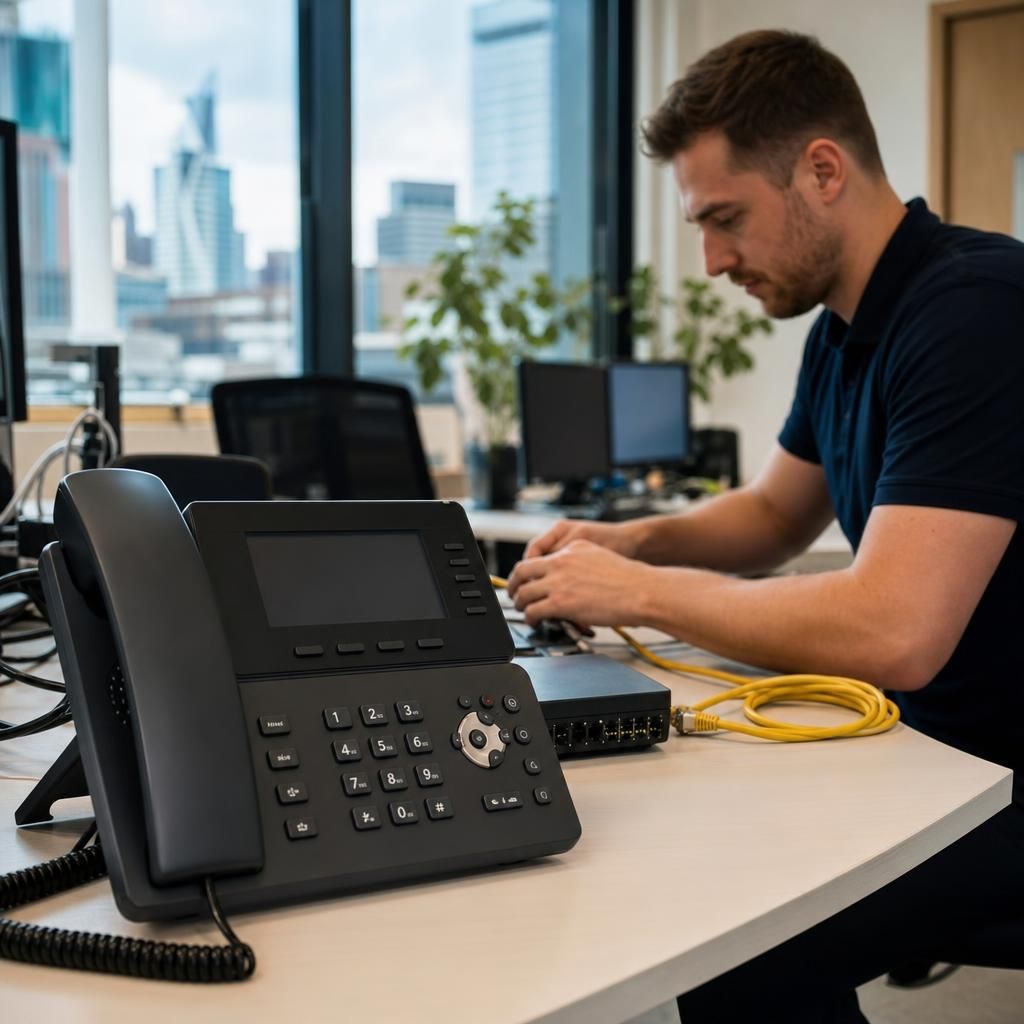
The process typically starts with a pre-installation survey and configuration phase. During this stage, your current connectivity, internal network, and switching are assessed to confirm they can support VoIP traffic reliably. Yealink handsets are then pre-configured with the correct extensions, feature sets, and security settings so they are effectively “plug-and-play” when they arrive on site.
On the installation day, engineers position and connect the Yealink phones, either via Ethernet cabling or, where appropriate, over secure office WiFi. Quality of Service (QoS) and other network settings are fine-tuned to prioritise voice traffic, and test calls are made to verify audio quality, call routing, and access to features such as transfer, hold, and conference calling.
Once testing is complete, the final step is user onboarding and post-installation support. Staff are shown how to use their Yealink phones confidently, and any remaining tweaks to call flows, voicemail greetings, or user permissions are made. Ongoing remote monitoring and local engineering support are then available to resolve issues, add new users, or expand the system as your business grows.
Get Your Office Connected with Ease
Our expert installation services for Yealink VoIP phones ensure a seamless setup, so your business can communicate effectively and efficiently. Let us help you stay connected effortlessly.
Contact Us