
How do Yealink office phones integrate with existing VoIP systems and software?
Learn how Yealink office phones seamlessly connect with your existing VoIP systems and software, enhancing business communication efficiency.
Yealink office phones are designed to integrate smoothly with a wide range of VoIP systems and business communication software, making them a flexible choice for organisations that already have telephony infrastructure in place. They support standard SIP (Session Initiation Protocol), which is the core signalling technology used by most hosted VoIP and on‑premise IP PBX platforms. This standards‑based approach means Yealink devices can typically be registered to existing VoIP accounts with minimal configuration, allowing businesses to retain their current provider, numbering plan and call routing while upgrading handsets. Auto‑provisioning tools, configuration templates and centralised management platforms further simplify deployment, especially across multiple sites or remote locations.
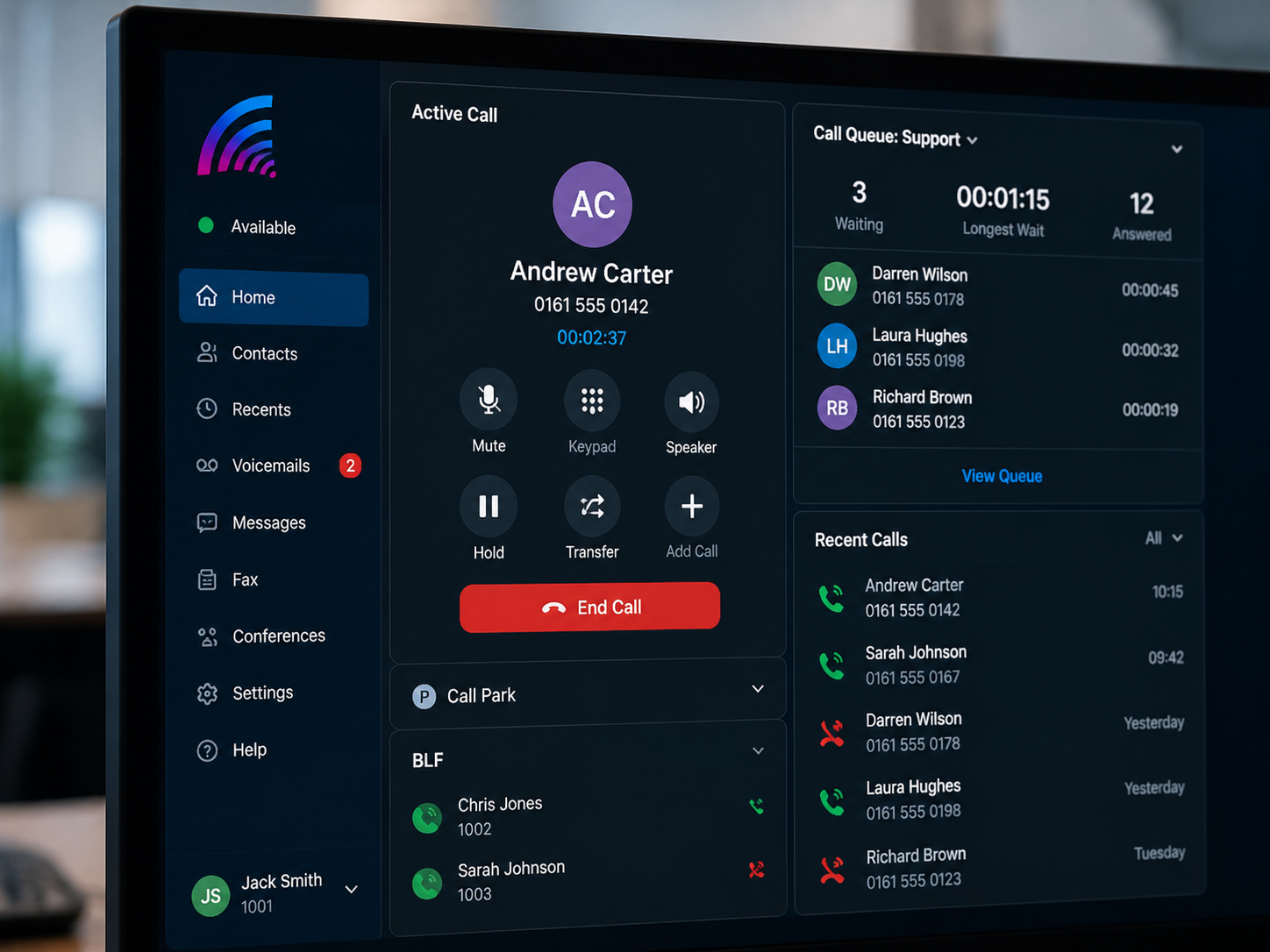
Beyond basic call functionality, Yealink phones integrate with a variety of productivity and collaboration tools, including softphone clients, unified communications platforms and CRM systems. Features such as Busy Lamp Field (BLF), presence, call transfer, call park and shared line appearance are supported on most mainstream VoIP systems, enabling staff to manage calls efficiently and see colleague availability in real time. Many models offer dedicated keys and programmable function buttons that map directly to features provided by the existing VoIP platform. Integration with headsets, speakerphones and video conferencing endpoints allows organisations to build a consistent communications environment, while firmware updates ensure ongoing compatibility with new VoIP features and security standards.

Yealink phones connect to existing VoIP systems primarily via SIP registration, using credentials supplied by the telephony provider or PBX administrator. Once registered, the phones handle voice traffic over the IP network, using codecs such as G.711, G.729 or Opus, depending on what the VoIP platform supports. Quality of Service (QoS) settings on the network can be aligned with the phones’ capabilities to maintain call quality.
Integration with business software is achieved through features such as CTI (Computer Telephony Integration), browser‑based click‑to‑dial and support for popular unified communications platforms. Many Yealink models can be paired with desktop or mobile applications, allowing users to control calls from their computer while using the desk phone as the audio device.
Centralised management tools enable remote configuration, firmware updates and monitoring of Yealink handsets across the organisation. This ensures consistency with the existing VoIP environment and simplifies ongoing administration and support.
Unlock Seamless VoIP Integration with Yealink
Discover how Yealink phones can effortlessly integrate with your current VoIP systems, enhancing your business communication and efficiency. Upgrade today and experience superior connectivity and performance.
Contact Us