

What is the typical setup process for implementing an IP phone system in a multi-site business?
Discover how to implement a multi-site VoIP office phone system. Expert advice from Telecom Central on setup process and key features.
Implementing an IP phone system across multiple sites typically follows a structured, phased process that ensures consistency, reliability, and minimal disruption to day‑to‑day operations. It begins with a detailed assessment of existing infrastructure, including current phone systems, network capacity, internet connectivity, and the specific needs of each location. This discovery phase identifies how many users and devices are required, what call features are essential, and whether any legacy numbers, lines, or specialist services need to be retained. From there, a solution design is produced, specifying the hosted or on‑premises platform, handset types, softphone options, connectivity requirements, and how sites will be linked together under a single unified system.
Once the design is agreed, the setup process moves into preparation, installation, configuration, and testing. Network upgrades or quality of service (QoS) settings may be applied to support voice traffic, and structured cabling or WiFi improvements are often completed ahead of deployment. The system is then configured with extensions, call routing, hunt groups, auto‑attendants, voicemail, and security policies, with consistent numbering plans across all locations. A staged rollout is usually adopted, piloting at one site before extending to others, with porting of existing numbers carefully scheduled. Finally, users receive training and ongoing support is put in place to monitor call quality, manage changes, and scale the system as the business grows.
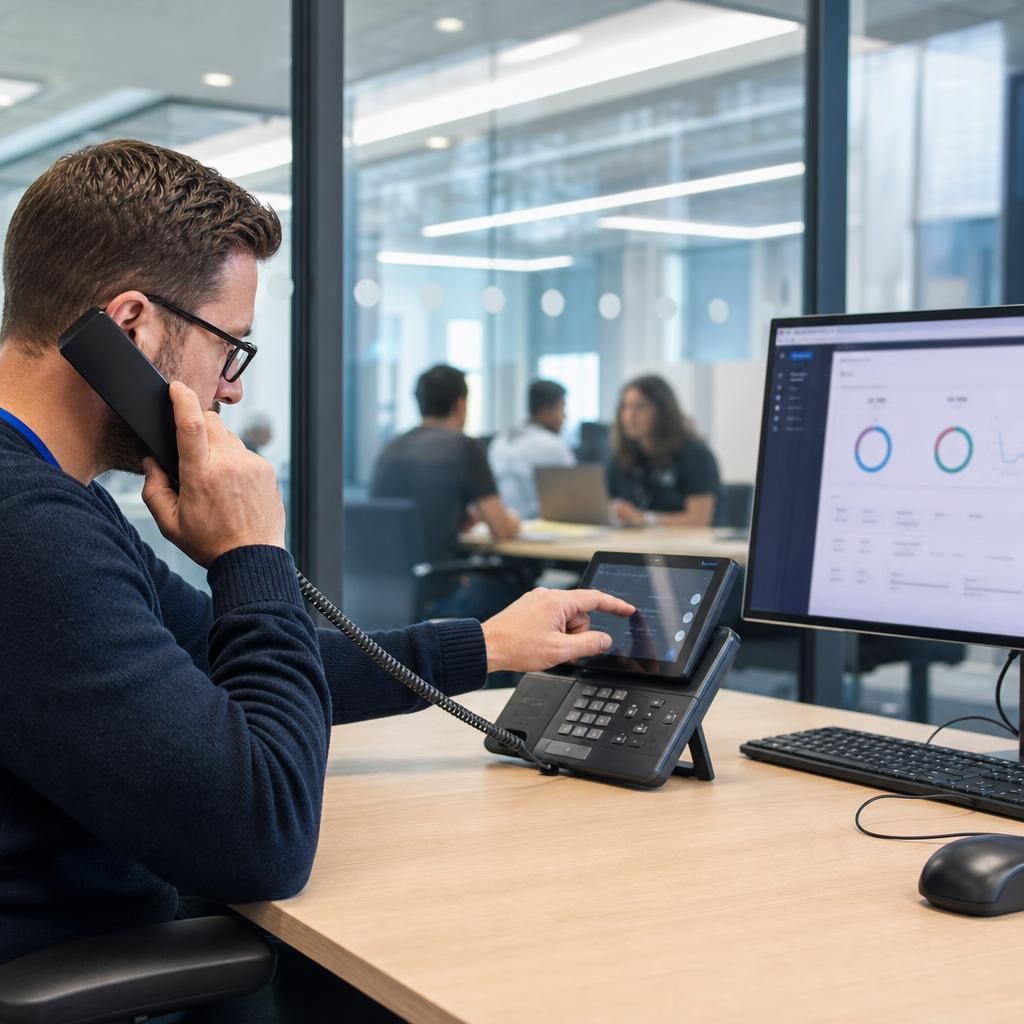
The typical setup process starts with planning and network readiness. Each site is surveyed to confirm bandwidth, router and firewall capability, and internal cabling. Any gaps, such as insufficient internet resilience or outdated switches, are addressed first to avoid call quality issues. A unified dial plan and feature set are then agreed so that staff experience the same functions wherever they are based.
The next phase is system build and configuration. The IP phone platform is provisioned, user accounts created, and extensions assigned. Call flows are designed to handle main numbers, departmental lines, and out‑of‑hours routing, while features such as call recording, conferencing, and mobile apps are enabled as required. Security settings, including password policies and access controls, are also applied.
Deployment is usually phased. Handsets or softphones are rolled out site by site, numbers are ported, and live testing is carried out. Staff are trained on core features, and the system is monitored closely, with adjustments made to routing, bandwidth, or QoS to optimise performance across all locations.
Streamline Your Multi-Site Communication Today
Unlock seamless communication with our expert-guided VoIP office phone system setup. Enhance connectivity across all business locations and enjoy top-tier features tailored to your needs.
Contact Us