
What types of Microsoft Teams Phone Devices are available, and how do I choose the right one for my business?
Discover the variety of dialpad polycom phones for Microsoft Teams. Learn how to choose the ideal device for your business. Improve connectivity and reduce costs today.
Microsoft Teams Phone devices range from simple plug‑and‑play handsets to fully featured conference and video units, each designed to support different styles of working. At a basic level, there are desk phones with physical dial pads and Teams‑optimised interfaces, often from manufacturers such as Poly (formerly Polycom) and other recognised brands. These deliver familiar call handling with dedicated buttons, clear audio and straightforward deployment on the office desk. For more collaborative environments, there are conference phones with 360‑degree microphones for meeting rooms, as well as video phones and Teams display units that combine calling, meetings, calendars and contacts in a single touchscreen device. Wireless handsets and Teams‑certified headsets also form part of the ecosystem, supporting staff who move around the office or work from multiple locations.
Choosing the right device for your business depends on how and where your teams work, and what level of functionality they genuinely need. Office‑based staff who handle high call volumes may benefit from traditional‑style desk phones with sidecar extensions, while hybrid workers might be better served by a quality headset and a Teams‑enabled mobile or laptop. Meeting rooms typically require conference or video phones with strong microphones and speakers to ensure everyone is heard clearly. It is also important to consider integration with existing networks, ease of management, licensing, and long‑term scalability. By mapping device types to user roles and usage patterns, you can improve call quality, simplify user adoption, and control costs without over‑specifying equipment.
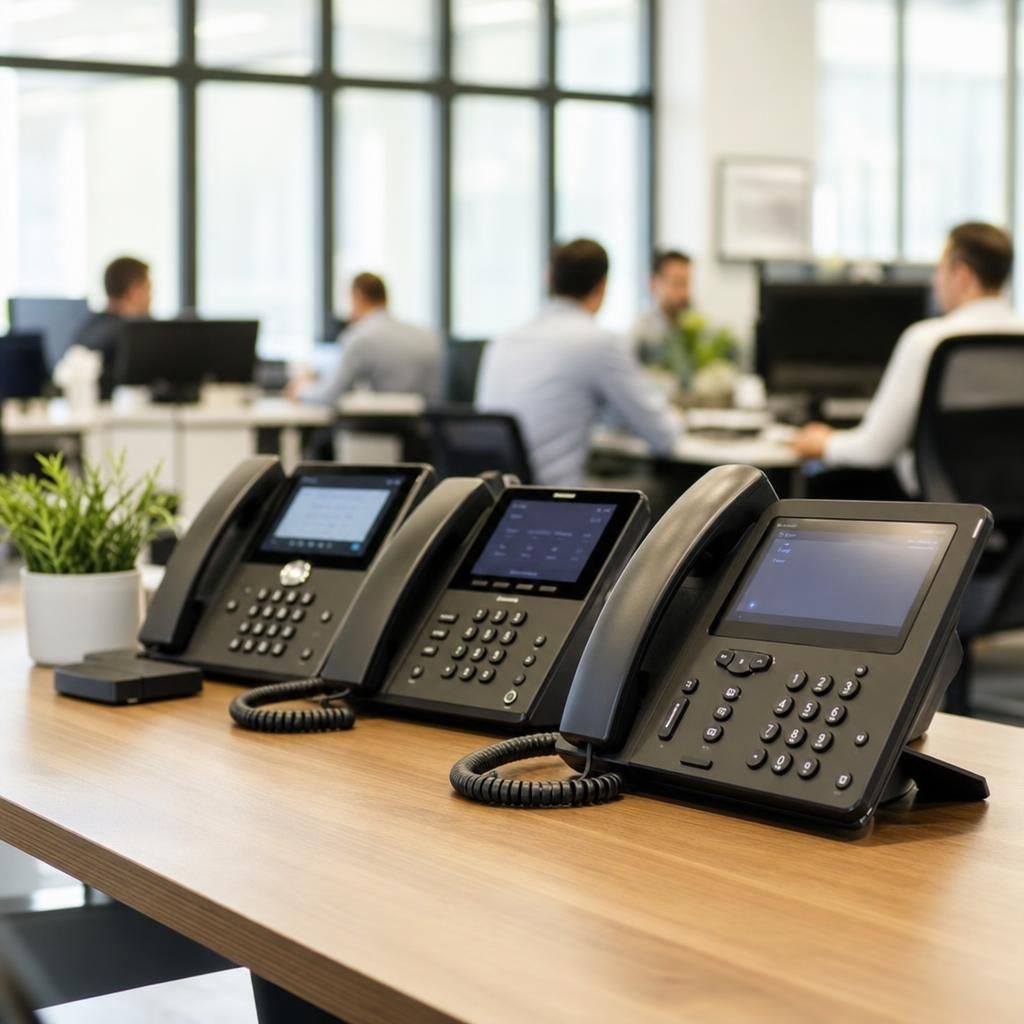
Microsoft Teams desk phones are ideal for reception areas, call handlers and staff who prefer a traditional handset. These devices usually feature a physical dial pad, colour screen, presence indicators and programmable keys for speed dials or shared lines. They are suitable where reliability, quick call handling and a familiar user experience are priorities.
Conference and video phones are better suited to meeting rooms and collaboration spaces. Conference units offer wide‑area microphones, echo cancellation and clear speakers, while video phones or Teams Rooms panels add cameras and touchscreen controls for joining and managing meetings. These are designed to give remote participants a more natural, inclusive experience.
For mobile or flexible workers, consider cordless handsets, Teams‑certified headsets and speakerphones. These support staff who move between desks, floors or sites, or who split time between office and home. When selecting devices, match features to user roles, confirm Teams certification, and ensure they align with your connectivity, budget and support plans.
Upgrade Your Communication with Dialpad Polycom Phones
Enhance your business connectivity and efficiency by selecting the perfect Microsoft Teams compatible phone. Our expert guidance ensures you choose the right device to meet your unique needs.
Contact Us