

What is the process for integrating Microsoft Teams Phone Devices with our existing telecom infrastructure?
Discover the process of integrating Microsoft Teams Phone Devices with existing telecom structures using dialpad polycom phones. Learn more on our page.
Integrating Microsoft Teams Phone Devices with existing telecom infrastructure is a structured process that combines cloud-based calling with your current lines, numbers, and on-site hardware. The first stage is discovery and planning: assessing your current phone system, connectivity, number ranges, call flows, and any critical services such as alarms, door entry systems or fax lines. From there, a design is produced that defines how Teams will connect to the public telephone network, usually via Direct Routing or an approved calling plan, and how Teams-certified devices such as Polycom (now Poly) handsets and conference phones will be deployed. This design also covers network readiness, ensuring your broadband, routers and internal cabling can support voice quality and prioritisation.
Once the design is agreed, configuration and migration follow. This includes preparing Microsoft 365 tenant settings, assigning the correct Teams Phone licences, configuring Session Border Controllers (SBCs), and integrating with your existing SIP trunks or ISDN replacement services. Devices are then provisioned, either centrally or on-site, and registered to Teams so they can operate as desk phones, meeting room units or common area phones. A phased rollout is recommended, starting with a pilot group to validate call quality, features and user experience. Finally, numbers are ported, call routing is refined, and staff receive basic training and support, ensuring a smooth transition from legacy telephony to a unified Teams-based environment without disrupting day-to-day operations.
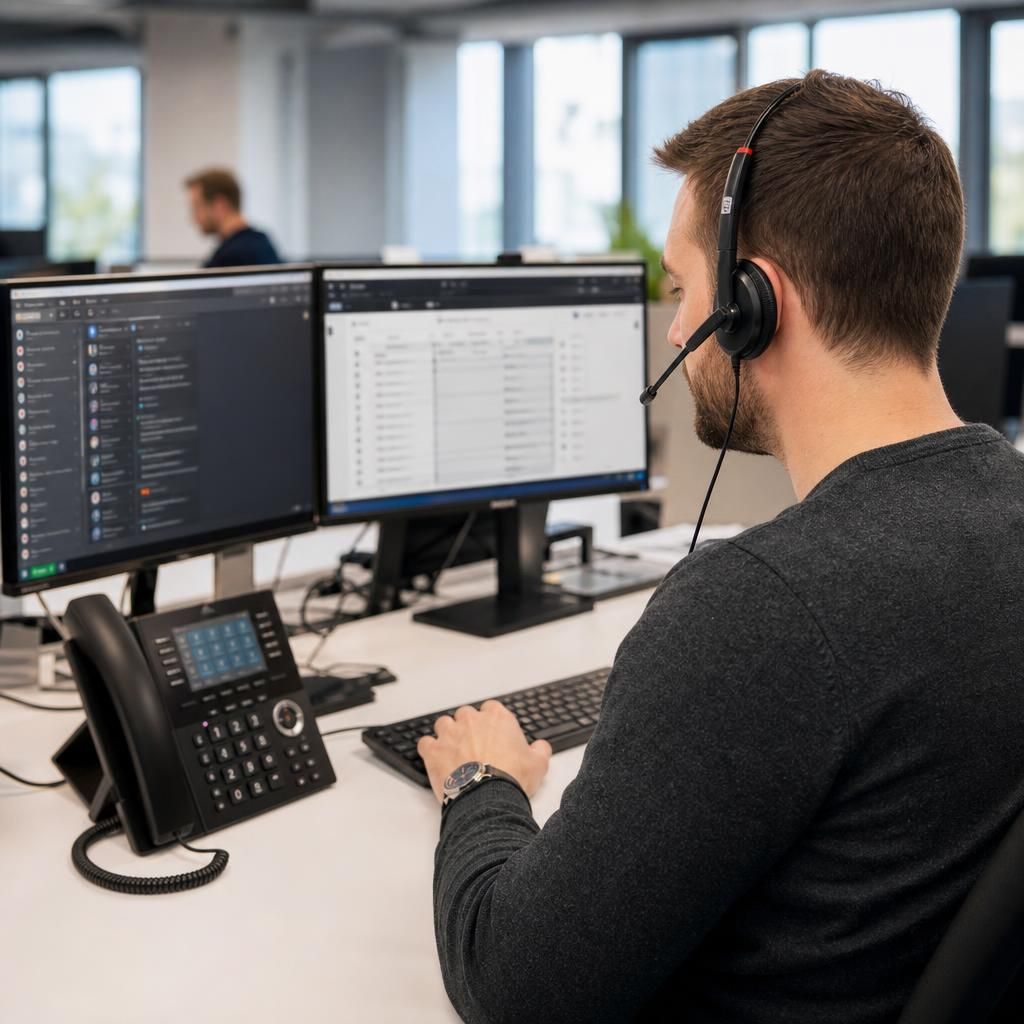
The technical core of integration is the connection between Microsoft Teams and the public telephone network. This is typically achieved through Direct Routing using a certified Session Border Controller, which links Teams to your existing SIP trunks or replacement services for legacy ISDN. This approach allows you to retain current numbers, call plans and contracts while moving users onto Teams Phone Devices.
Device deployment focuses on Teams-certified handsets and conference phones, including Poly models designed specifically for Teams. These devices are enrolled via the Teams admin centre, assigned to users or rooms, and configured with the appropriate policies for calling, security and compliance. Quality of Service (QoS) and VLAN configuration on your network help ensure consistent call quality.
The final stage involves testing, migration and optimisation. Pilot groups validate call flows, hunt groups, auto attendants and voicemail. Once proven, numbers are ported in stages, users are trained, and ongoing monitoring is implemented to maintain reliability and quickly resolve any issues.
Seamlessly Connect Your Teams Phone Devices
Unlock seamless communication by integrating Microsoft Teams Phone Devices with your current telecom setup. Our expertise with dialpad polycom phones ensures a smooth transition for enhanced connectivity.
Contact Us