
How can Microsoft Teams Phone Devices enhance collaboration among remote and in-office teams?
Discover how Dialpad Polycom phones and Microsoft Teams can streamline communication for remote and office-based teams. Boost connectivity, reduce costs, and support daily operations.
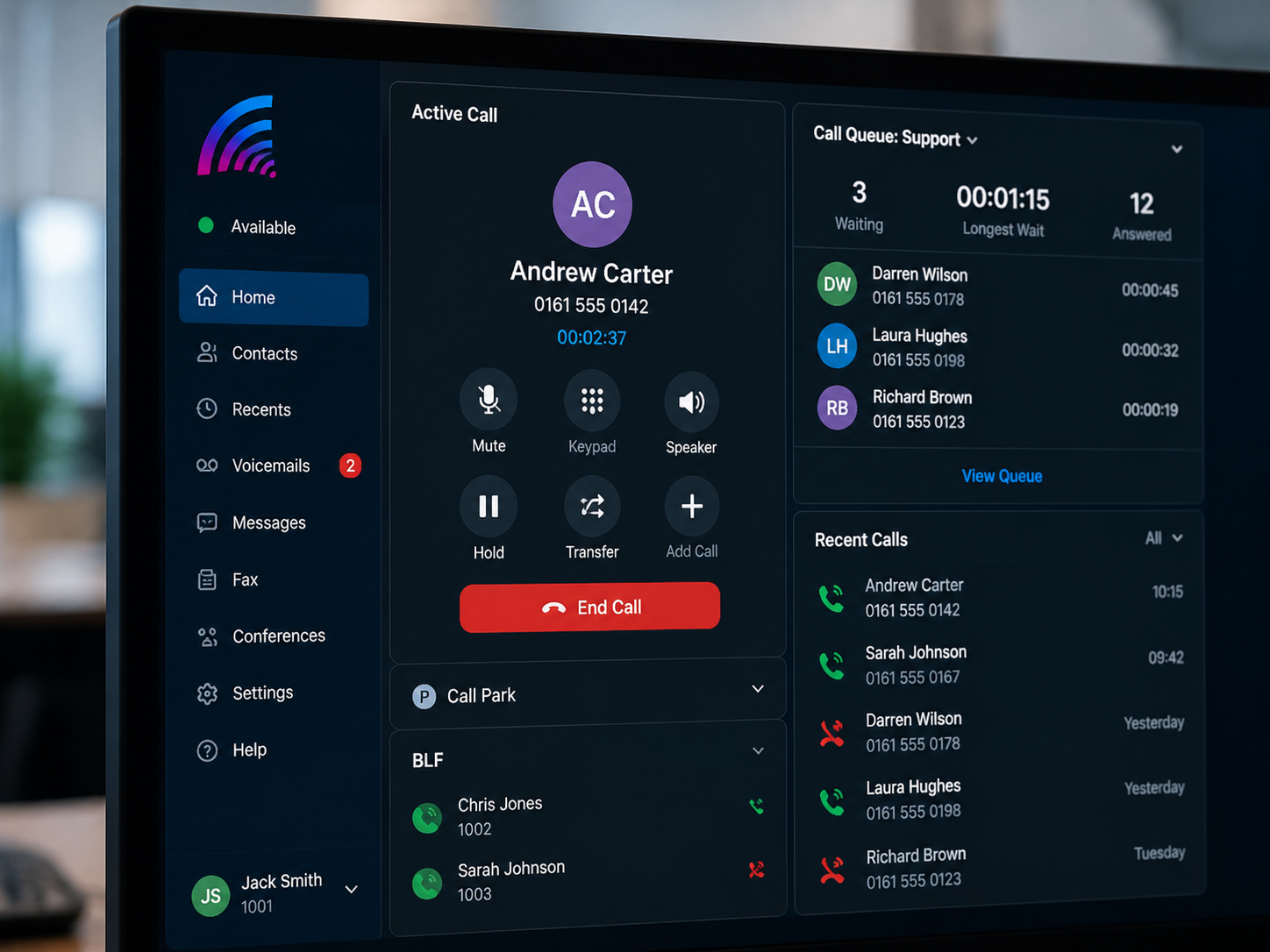
Microsoft Teams Phone Devices, such as Dialpad Polycom phones, can significantly enhance collaboration between remote and office-based staff by providing a consistent, integrated calling experience for everyone. When desk phones, softphones and mobile apps all connect through Microsoft Teams, employees gain a single platform for voice, video, messaging and meetings. This reduces the friction of switching between tools, ensures that calls are routed intelligently, and makes it easier for teams to stay in touch throughout the working day. Features such as presence, call transfer, shared voicemail and call queues help staff reach the right person quickly, whether they are working from home, on the road or at a fixed desk in the office.
For organisations that rely on reliable communication to support customers and internal operations, Teams-enabled Polycom phones provide enterprise-grade call quality with familiar handset functionality. Users benefit from physical devices with dedicated buttons, HD audio and headsets, while still accessing Microsoft Teams features such as contact search, calendar integration and one-touch join for meetings. This combination helps bridge the gap between traditional telephony and modern cloud collaboration. It supports hybrid working by giving every user the same phone identity and feature set, regardless of location, and simplifies management for IT teams through centralised administration, security and reporting within the Microsoft 365 environment.

Microsoft Teams Phone Devices help unify communication channels, so staff no longer need separate systems for desk phones, conferencing and messaging. Dialpad Polycom phones registered to Teams allow users to place and receive calls using their Teams number, access their contacts and see colleagues’ availability in real time. This reduces missed calls and delays, enabling smoother collaboration between remote and office-based colleagues.
These devices also support advanced call handling features that are vital for customer-facing and operational teams. Call queues, auto-attendants and hunt groups ensure that inbound calls are routed efficiently to available staff, wherever they are working. Remote users can log in to a Teams-enabled phone in another location and instantly access their profile, settings and voicemail, maintaining continuity of service.
From an operational perspective, Teams Phone Devices reduce complexity and costs by consolidating telephony into the cloud. Centralised management, software updates and security policies help IT teams maintain reliability, compliance and performance across all sites.
Enhance Your Team's Communication Today
Leverage Dialpad Polycom phones with Microsoft Teams to streamline communication, boost connectivity, and support seamless collaboration between remote and in-office teams. Transform your team's productivity now!
Contact Us