
What is the installation process for Business Broadband with Static IP through Telecom Central?
Discover the easy steps to install Business Broadband with Static IP. Learn how to harness the best business phone system for seamless connectivity.
The installation process for Business Broadband with Static IP is designed to be structured, predictable, and minimally disruptive to day‑to‑day operations. It typically begins with a detailed consultation to confirm your current setup, the number of users, bandwidth requirements, and how a static IP will be used, for example for remote access, hosting services, or secure VPN connections. Once requirements are agreed, a site survey may be carried out to assess existing cabling, router placement, and any resilience needs. A suitable broadband service is then specified, along with a compatible router or firewall that can be configured with one or more static IP addresses. An installation date is scheduled to align with your operational hours, often outside peak periods to reduce downtime.
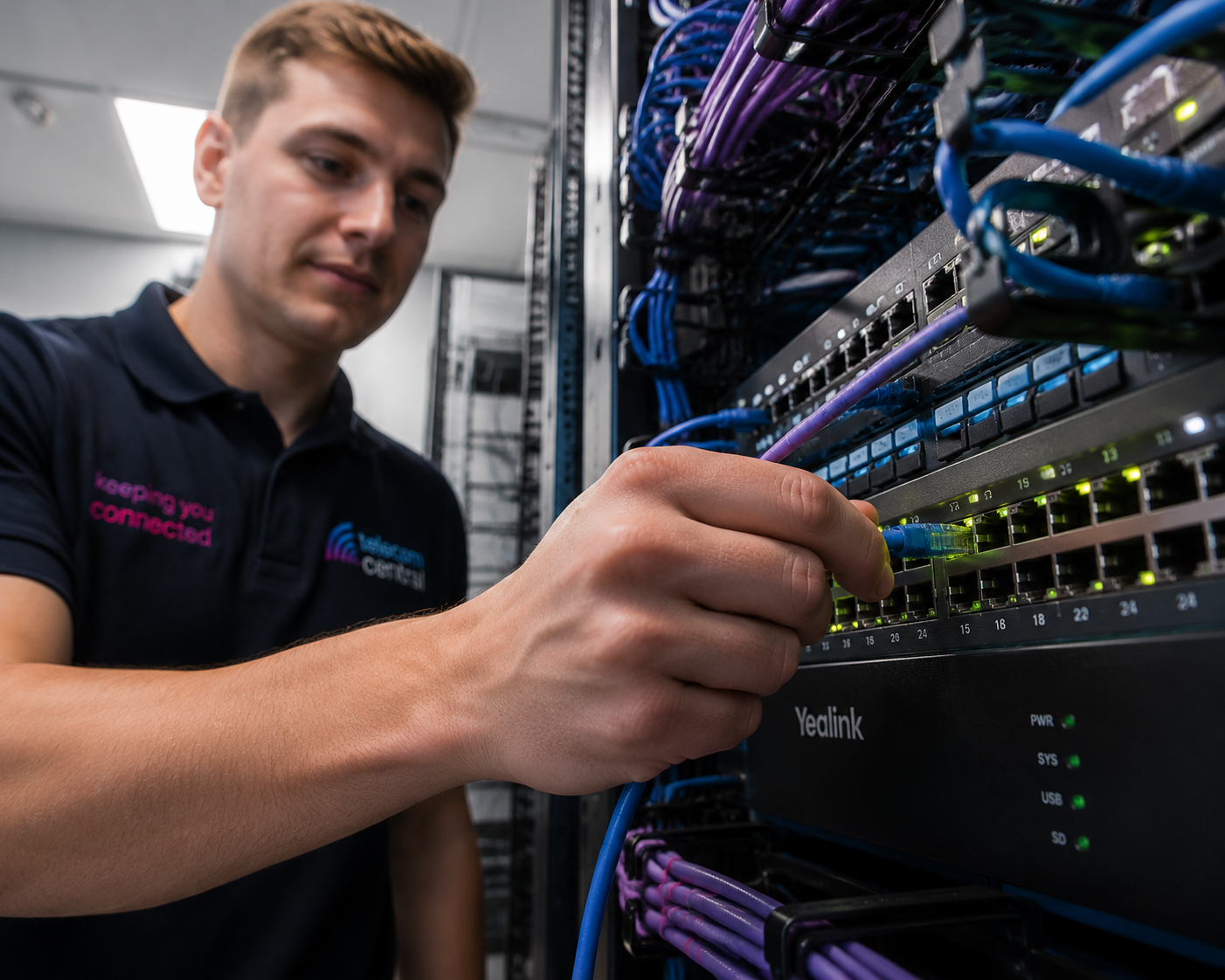
On the day of installation, an engineer will attend site to complete any required cabling, connect and configure the router, and apply the static IP details provided by the network. This includes setting up DNS, gateway and subnet information, and ensuring any on‑premise servers, IP phones, or other critical devices are correctly addressed and accessible. Where a business phone system or VoIP service is involved, Quality of Service (QoS) settings are tuned so voice traffic is prioritised for clear, reliable calls. The engineer will then test connectivity, confirm remote access and any port forwarding rules, and verify that all agreed services function as expected. Finally, you receive documentation of your static IP settings, login credentials, and support procedures, so your broadband and phone system can be managed confidently going forward.
The process usually starts with a pre‑installation assessment. This confirms whether a new line is required, checks the quality of existing infrastructure, and identifies where network equipment should be located. At this stage, the number of static IPs, security requirements, and any integration with existing phone systems or cloud services are agreed and documented.
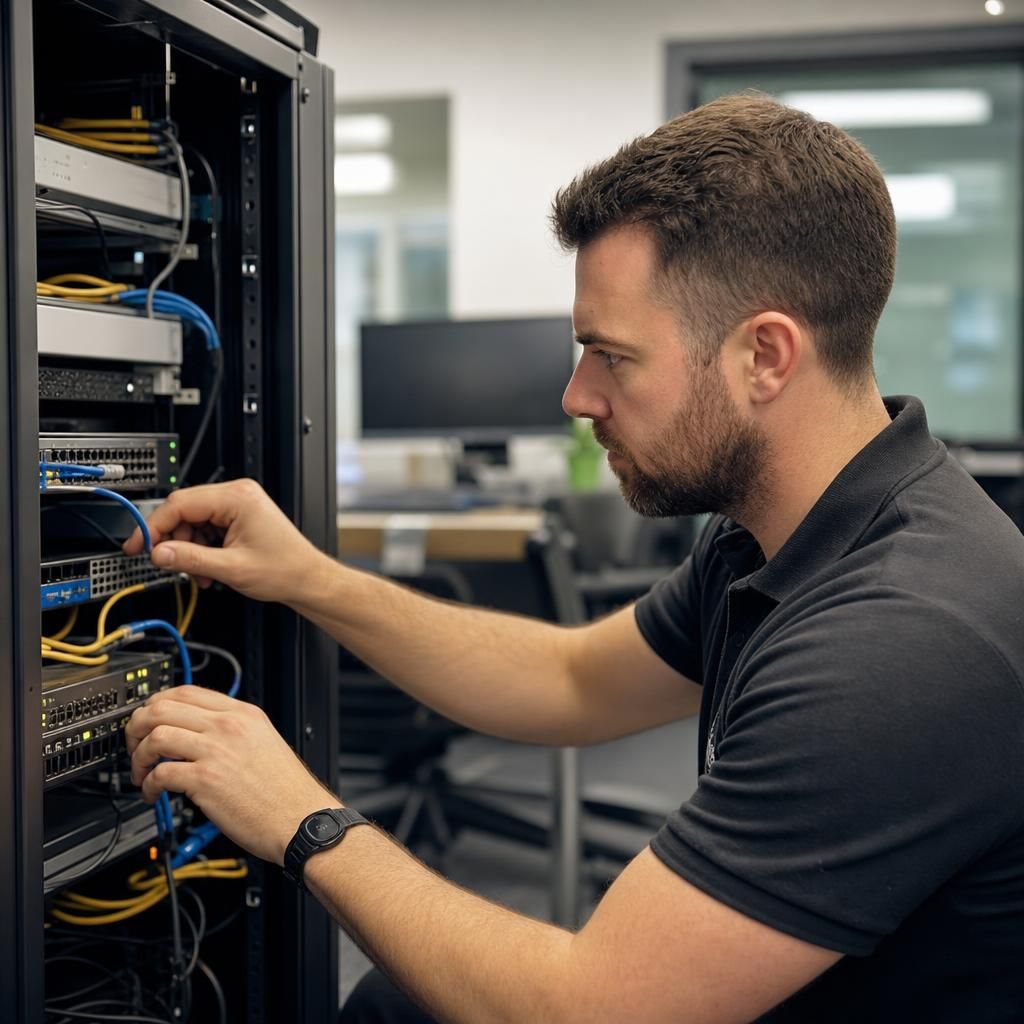
Next, the physical and technical installation is completed. The engineer activates the broadband service, installs or replaces the router, and configures the static IP settings supplied by the provider. Firewall rules, port forwarding, and VPN access are set up in line with your security policy, ensuring that only authorised traffic can reach internal systems.
Finally, comprehensive testing and handover take place. Internet speeds, IP reachability, remote access, and VoIP call quality are all verified. You are provided with your static IP details, network diagram where applicable, and clear escalation routes for support, ensuring the connection can be maintained and scaled as your organisation grows.
Get Connected with Seamless Business Broadband
Unlock reliable connectivity with our Business Broadband with Static IP. Enhance your business operations with a stable and secure internet connection tailored to meet your professional needs.
Contact Us